SellProof Docs
Settings and rules
SellProof's rules are visible and yours to change. ⚙️ Settings holds the defaults every check starts with. Most people never need to change them, but if you know your niche, you can make SellProof stricter or looser.
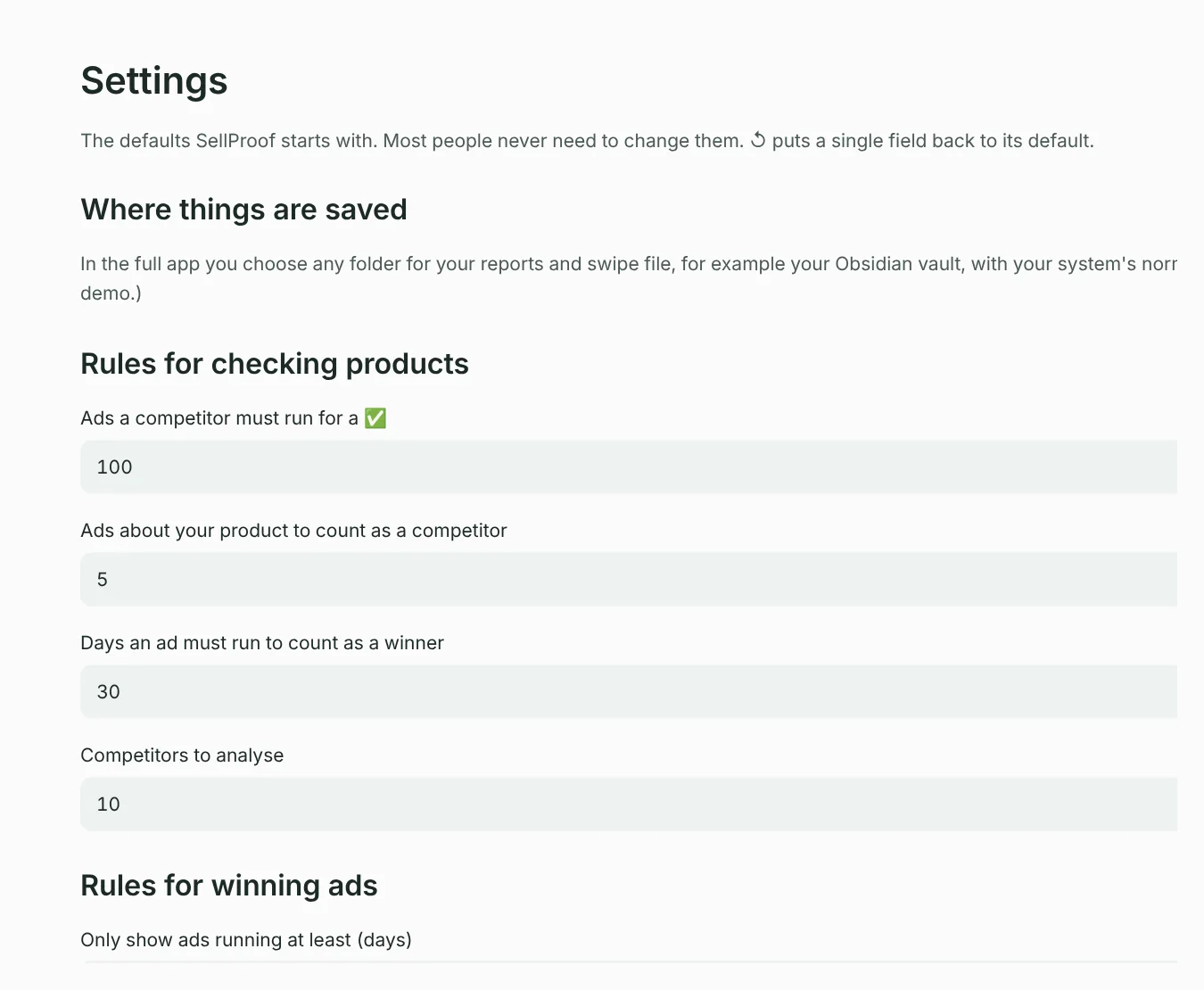
Change a value and press Save settings to make it your default. ↺ puts a single field back to its default, and Reset all settings… resets the whole page (your products and lists are kept).
Rules for checking products
| Setting | Default | What it does |
|---|---|---|
| Ads a competitor must run for a ✅ | 100 | A real competitor running this many ads in total gives a PASS. One brand running 100+ ads is making money. Lower it for small niches or small countries. |
| Ads about your product to count as a competitor | 5 | A brand needs this many ads about your product to count. Stops big general shops that mention it once from counting. |
| Days an ad must run to count as a winner | 30 | Without a PASS, a competitor ad running this long still gives an UNSURE instead of a FAIL. |
| Competitors to analyse | 10 | How many of the biggest advertisers SellProof looks at in detail, including their shops. |
Want different rules for one product only? Use Advanced: rules for the verdict in step 2 of Check a product.
Rules for winning ads
| Setting | Default | What it does |
|---|---|---|
| Only show ads running at least (days) | 14 | Filters out new ads that haven't proven themselves yet. |
| Ads to show per country | 25 | How long the list of winners is for each country. |
Advertisers to leave out
Two lists of brands, separated by commas:
- Always ignore these advertisers: marketplaces and wholesalers that advertise everything (Amazon, AliExpress, Temu, eBay…). Their ads never count as competitors.
- Big retailers to hide in Winning ads: chains like Lidl, Zalando or IKEA. They're hidden when Hide big retailers (Lidl, Zalando, IKEA…) is on, because they win with huge budgets, not better ads.
Add brands that keep showing up in your niche without being real competitors.
Where things are saved
The reports folder and the swipe file. See Where files are saved.
Technical
| Setting | Default | What it does |
|---|---|---|
| Max ads per search | 300 | How many ads SellProof reads per search. Higher is more complete but slower. 300 is plenty for almost every product. |
| Meta API version | set by SellProof | Only change this if Meta announces the current version is retired and no SellProof update has arrived yet. |
Options in the left panel
| Option | What it does |
|---|---|
| Countries to research | The countries every check and scan uses. Each gets a row in the search-words tables. Unticking a country hides its row but keeps its words. |
| Reuse today's results | On: a search you already ran today is reused. Faster, and it saves Meta's hourly limit. Off: always fresh data. |
| Look inside competitor shops | Reads competitors' Shopify shops for matching products and prices. |
| Pro mode | Hides the explanations for a compact view. |
| Language | English or German. |
| Dark mode | Light or dark look. |
Something unclear or missing? Write to support@setuplabco.com or use the contact form: we answer every message and improve these pages from your questions.